SoarVid
CreateExamplesFeaturesWhy SoarVidPricingFAQ

AI VIDEO ADS FOR ECOMMERCE

Turn Product URL into Video Ads

SoarVid helps ecommerce sellers create promotional videos from product pages. Paste a product link, choose the images and details, and let AI create a video ad for your online store or next marketing campaign.

URL import: Amazon, Etsy, eBay. You can also upload product details and images manually.

Only import materials you have the right to use for promotion.

Small rituals. Brighter days.Skincare
Made for what’s next.Footwear
Sound on. World off.Tech & audio
A little link. A bigger story.

A closer look

URL to Video Ad Examples

Explore product videos, from skincare to sneakers, and find a direction for your next AI video ad.

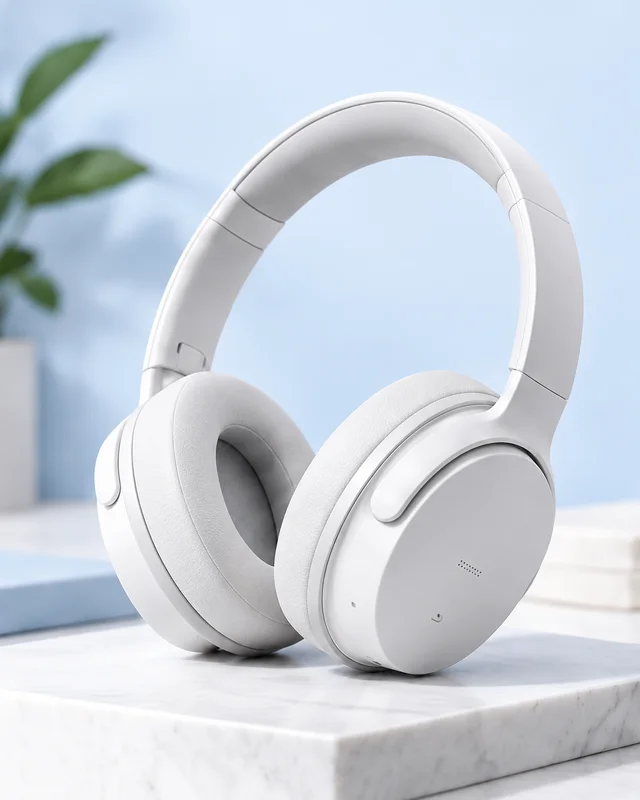
White over-ear headphones on a pale blue sculptural pedestalTech & audio
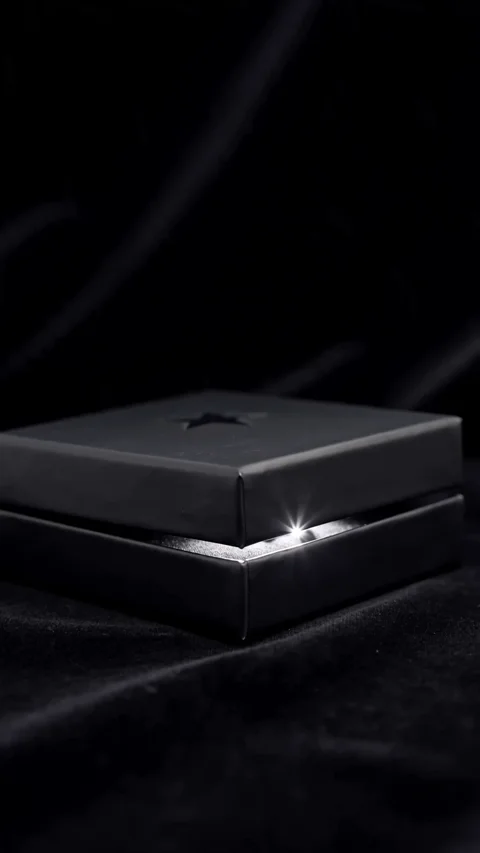
Dark presentation box opening under studio lightingThe reveal
Close-up of bronze over-ear headphonesStudio sound
Blue skincare serum bottle with water droplets on a pale blue backgroundSkincare
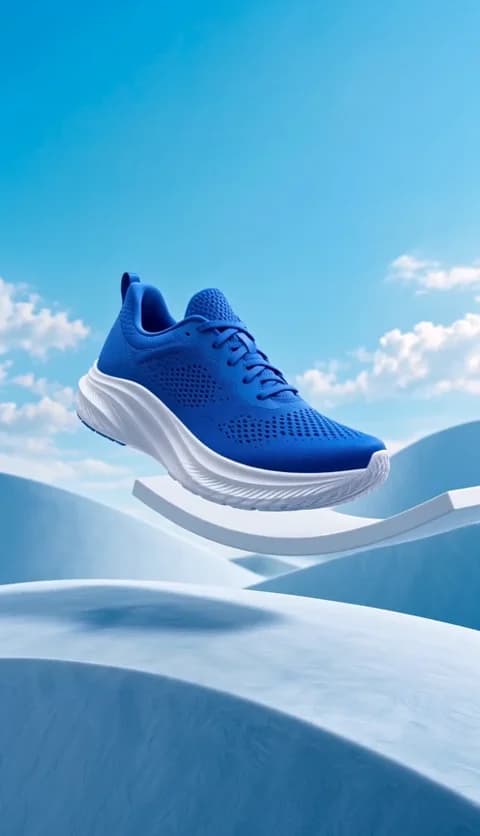
Blue running shoe suspended above a softly lit blue studio surfaceFootwear
White over-ear headphones on a pale blue sculptural pedestalTech & audio
Dark presentation box opening under studio lightingThe reveal
Close-up of bronze over-ear headphonesStudio sound
Blue skincare serum bottle with water droplets on a pale blue backgroundSkincare
03 / 05

Footwear

Put your product in motion.

Videos play muted · Tap the speaker for sound · Swipe or use the arrows to explore

Supported platforms

Your product link.Your next video ad.

Start with a product link from Amazon, Etsy, or eBay.Review your product details, then bring your story to life.

  • Amazon
    White over-ear headphones on a pale stone display

    An Amazon Product Link Turned into a Video

  • Etsy
    Ivory fluted ceramic vase against a pale blue background

    From an Etsy Listing to a Product Video

  • eBay
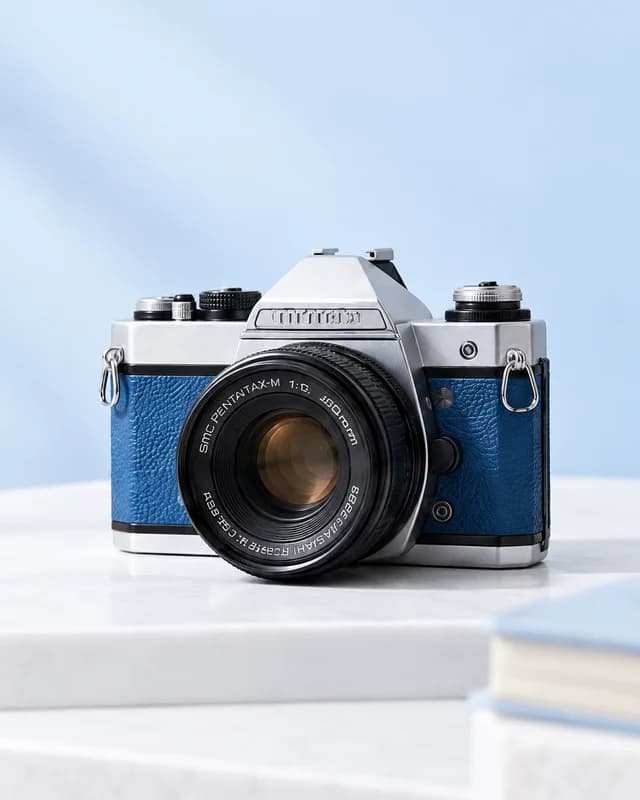
    Silver vintage camera with blue leather trim

    From eBay Product Photos to video ads

  • More supported platforms coming soon

Start with a product link

How it works

From product URL to video, in four steps

Our video ad generator builds a script and video from the product details and images you confirm.

  1. 01

    Import

    Start with URL to video: paste a supported product link or upload your own details and images.

    https://example.com/product
    Everyday espresso machineHome & kitchenProduct imported
    01Start with the product materials you already have.
  2. 02

    Review

    Check your product details and select the images to include.

    Product details & images
    Name
    Everyday espresso machine
    Description
    Sage finish. Stainless details. Your daily coffee ritual.
  3. 03

    AI Script

    AI plans the scenes, pacing, and narration from your confirmed materials.

    AIGenerated by AI
    01
    Scene 1

    Introduce the product.

    02
    Scene 2

    Bring the details closer.

    03
    Scene 3

    Show it in everyday life.

    AI-generated scenes · Read-only

  4. 04

    Generate

    Choose your settings, then generate, preview, and download your AI video ad.

    Product storyA better morning ritual.
    9:16 · 15s

Interface illustrations. Actual screens may vary.

See URL to video in action

See how our video ad generator turns product details and images into a finished video.

Open the walkthrough video
  1. 01
    Input

    Start with your product

    Try URL to video with a product listing, or upload details and images you already have.

  2. 02
    Settings

    Shape your video

    Confirm your materials and selling points. Choose the format, duration, and audio settings.

  3. 03
    Output

    Preview and download

    AI builds the script and video. Preview the result, then download the MP4 for your store or next campaign.

Built around your product

Why Choose SoarVid for URL to Video?

Less time bringing tools together. More room for your product’s story.

01

Start with existing product materials. Reduce prep work.

Reuse your listing details and images with URL to video, and spend less time preparing materials.

02

Build videos around your product’s selling points.

Give your AI video ad a clear focus with the selling points and product images you select.

03

One focused workflow

A video ad generator that brings product import, AI scripting, and downloadable results into one workflow.

  1. URL
  2. Details
  3. AIAI Script
  4. Video
Video preview00:15
00:00
00:05
00:10

Made for your working day

Your product.Your kind of work.

A new launch, a store favorite, or a client brief. Start with the product materials you already have.

Florist arranging a bouquet in an independent flower shop

Independent store owners

Introduce your next collection with a video built around its details.

Seller photographing a travel bag in a small studio

E-commerce sellers

Turn a listing into a product story with URL to video.
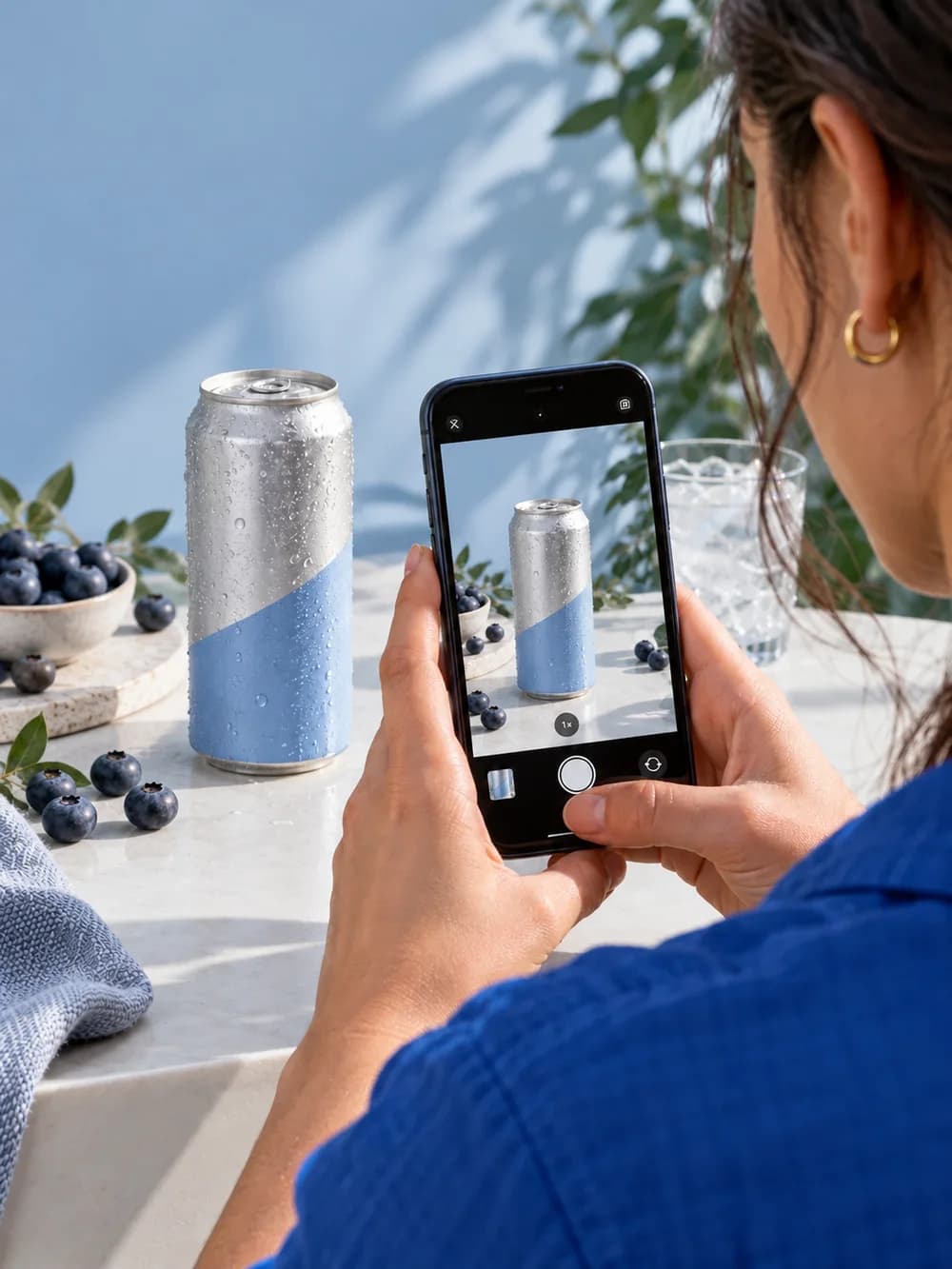
Social media creator filming a canned drink with a phone

Social media marketers

Create an AI video ad around a clear idea for your next campaign.

Two creatives reviewing a storyboard and product imagery

Agencies & freelancers

Turn approved client materials into a video draft for review.

PRICING

A plan for your next creation

Monthly subscriptions, with credits for every paid billing period.

Starter

For getting started with product videos.

$19.9/month

600 creditsevery month

  • Up to 6 AI ad videos · 10s each
  • Watermark Removal
  • Credits refresh monthly.
  • Cancel any time

Pro

Most popular

For regular creation and campaign iterations.

$39.9/month

1,500 creditsevery month

  • Up to 15 AI ad videos · 10s each
  • Watermark Removal
  • Credits refresh monthly.
  • Cancel any time

Max

For a higher volume of product content.

$79.9/month

3,200 creditsevery month

  • Up to 32 AI ad videos · 10s each
  • Watermark Removal
  • Credits refresh monthly.
  • Cancel any time

Plans renew monthly. After canceling, choose another plan when your subscription ends. Mid-period plan changes are not available. Applicable taxes are shown at checkout.

A few things to know

Good questions. Clear answers.

Answers to common questions about creating product videos with SoarVid.

SoarVid is an AI video ad generator for ecommerce sellers, store owners, marketers, and agencies. Start with a product page or manually uploaded materials, then confirm the details and images for AI to create a script and promotional video.

It uses a product page’s information and images as the starting point for a video. After you confirm the materials, AI creates a script from your product details and generates the video. You can also upload your materials manually.

Paste a supported product URL. Check the information and images, then let AI plan the video script. Choose your settings, start generation, and download the finished result after reviewing it.

URL import: Amazon, Etsy, eBay. You can also upload product details and images manually. Paste a product link from an enabled platform, keeping its original country and language. Regional links and verified share links are supported. If a share link cannot identify its original region, copy the full product address from your browser. Page access may still limit import; manual entry is available.

Yes. Choose “Add product manually” beneath the URL input to enter your product details and upload images you are allowed to use.

Yes. Before submitting, you can check the imported information, edit your product description, and select the images to include.

Use product information and images you own or have permission to use in promotional content. Importing a public product page does not grant rights to its materials.

No. The video ad generator creates a script from your confirmed product details and images. Script editing is not available. Before submitting, you can refine the product description, select images, and choose video settings.

Use clear images of the same product: a main view, different angles, and important details. Avoid mixing unrelated products. You can select up to six images for a generation.

Check that the full product URL is from a supported platform and retains its original region and language. If the page remains inaccessible, enter details manually and upload images you have permission to use.

Choose 9:16 for vertical video, 16:9 for landscape, or 1:1 for square. Pick the format that fits where you plan to publish.

The current creation flow offers 10- or 15-second videos in 480p, 720p, or 1080p. The required credits depend on your settings and are shown before you submit.

You can turn narration and background music on or off separately. When narration is enabled, choose English or Chinese.

Generation time varies with the queue and processing. You can follow the task's progress after submitting. If it is still processing, check its status before submitting the same request again.

Importing a product, reviewing materials, and changing settings do not use generation credits. When you submit a valid generation request, the displayed credits are reserved. A successful delivery finalizes that charge without charging you again.

When a task is confirmed as failed, its reserved credits are returned according to the credit rules. Processing tasks and tasks awaiting a confirmed result keep the reservation until the outcome is known. Starting a new generation creates a new charge.

When your video is ready, preview it and download the MP4 file. You can upload it to your store or content channel. Save a local copy once it is ready.

LET YOUR BRAND SOAR.

Start your next URL to video project

Create an accountSign in
SoarVid

Let your brand soar.

support@soarvid.com
ExamplesFeaturesWhy SoarVidFAQPricingContactAbout
© 2026 SoarVid. All rights reserved.
Acceptable Use PolicyRefund PolicyPrivacy PolicyTerms of ServiceCookie Policy
  • AI Directories Badge
  • Fazier badge
  • Verified on DANG!
  • SoarVid AI Video Ad Maker - Featured on AI Agents Directory
  • Powered by Startup Fast
  • Listed on AIToolHunt
  • SoarVid - Featured on Startup Fame